
Do Contractors Need a CRM, or Just Better Follow-Up?
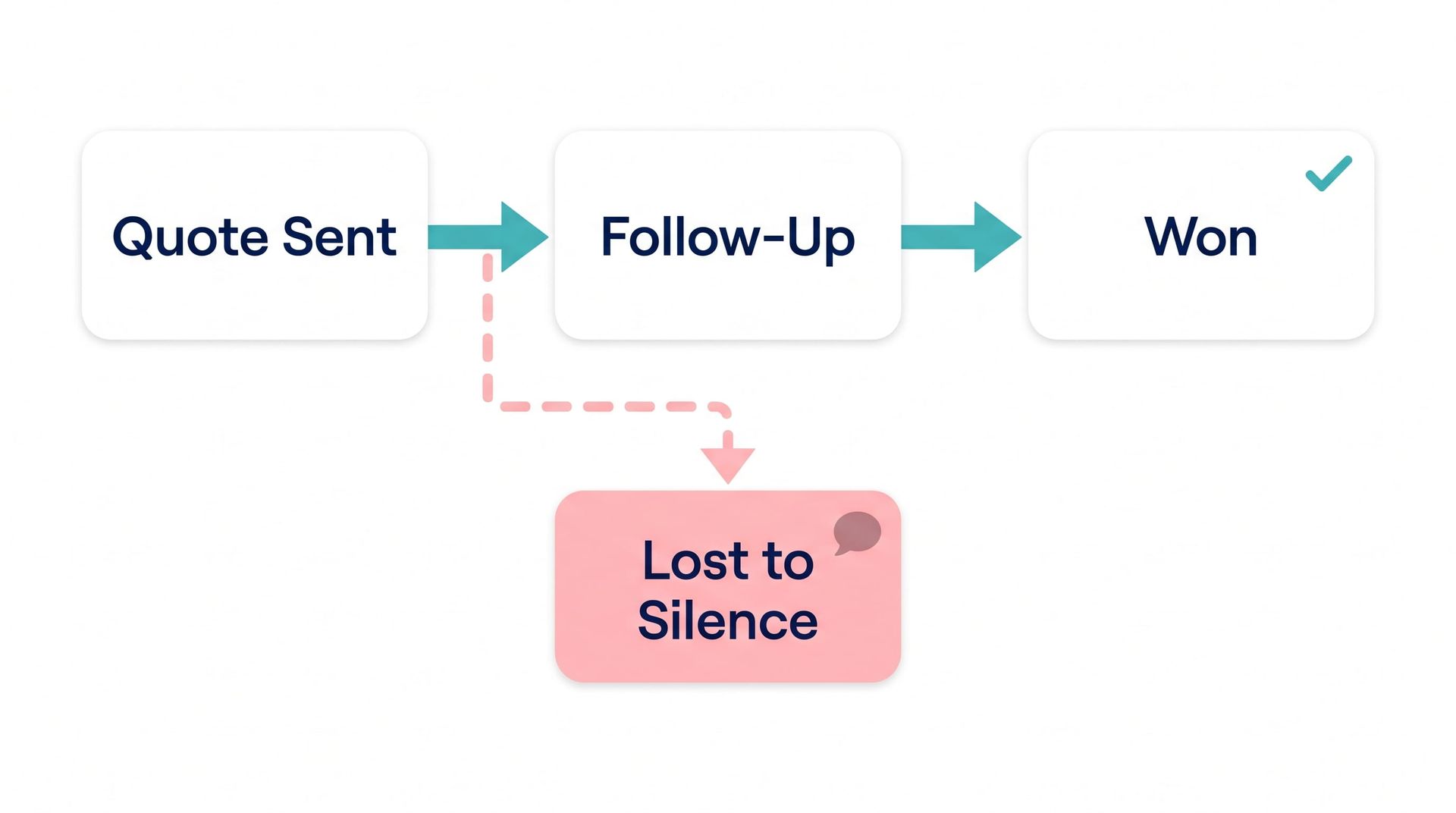
Your estimator sends a quote on Tuesday. The customer says it looks good and they'll get back to you. Three weeks later, you drive past the job and see another company's truck in the driveway. Nobody called back, because nobody was sure whose job it was to call.
Most contractors don't lose work because their price was wrong. They lose it in the quiet stretch after the quote goes out. That's usually when someone suggests getting a CRM, and it's a fair question. But software isn't always the answer, and buying it before you fix the process can leave you with an expensive tool nobody uses.
This guide will help you figure out whether your business needs a CRM or a better follow-up habit, how to build that habit either way, and what a CRM should actually do for a field business if you decide you need one.
What Is a CRM for Contractors?
A CRM (customer relationship management system) for contractors is a single place to track every customer, lead, quote, and conversation, so follow-up doesn't depend on anyone's memory. It shows who you've quoted, where each quote stands, and what happens next.
The difference for a field business is what the CRM connects to. A sales company mostly needs to track leads through a pipeline. A contractor needs that same customer record to carry through to the quote, the job, and the invoice. A CRM that only tracks contacts solves part of the problem, and it can create a new one: another place where the same customer details have to be typed in again.
Why Do Contractors Lose Jobs to Missed Follow-Up?

Contractors lose jobs to missed follow-up because nobody owns the step between sending a quote and winning the work. Estimating, scheduling, and billing all have clear owners. Follow-up usually doesn't.
Follow-up belongs to everyone, so it belongs to no one
The estimator assumes the owner will call. The owner assumes the office will send a reminder. The office assumes the estimator is handling it. Each assumption is reasonable, and together they mean the customer hears nothing.
Open quotes are invisible
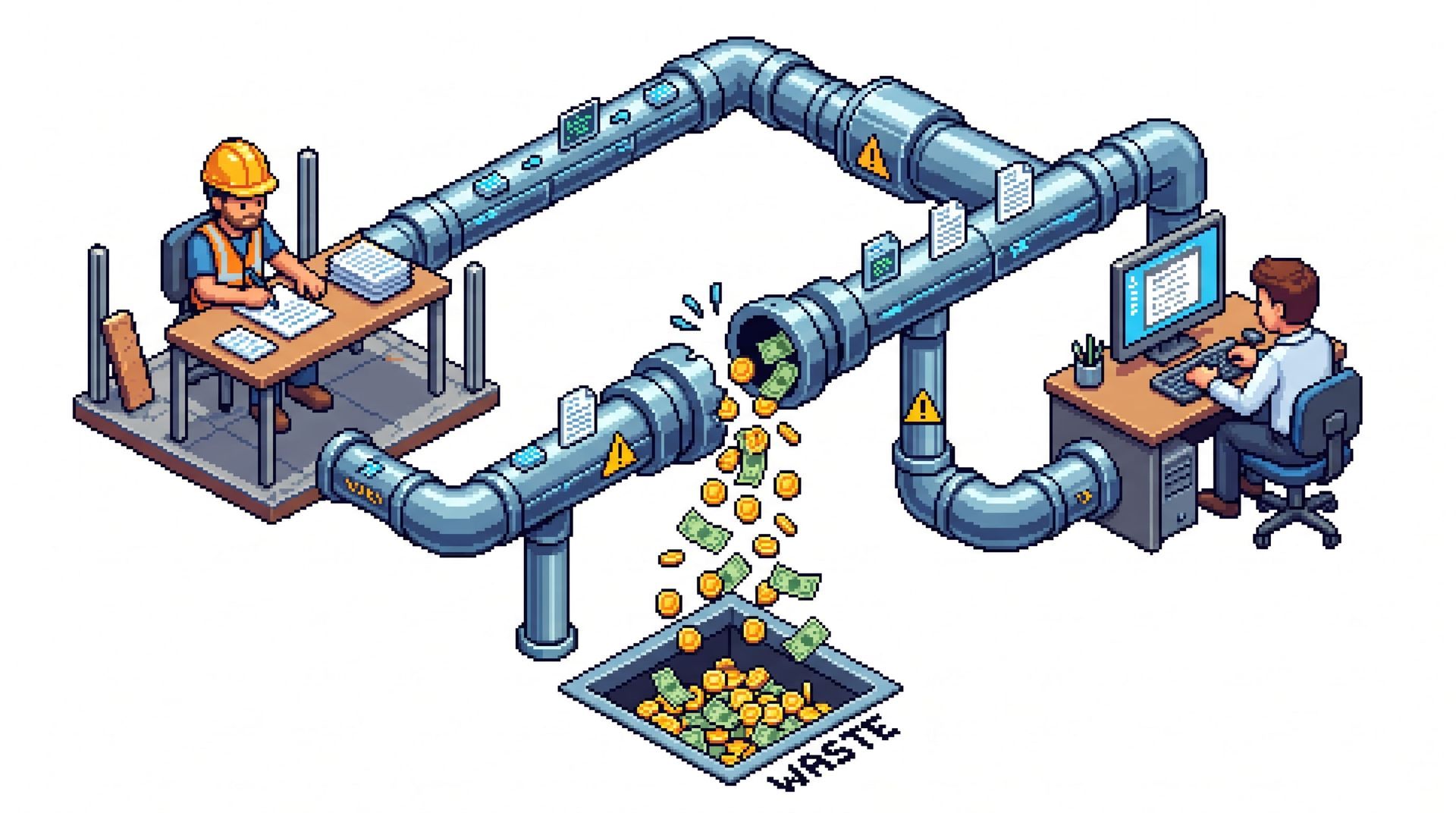
In many companies, there's no single list of quotes that are still waiting on an answer. They're spread across email sent folders, a spreadsheet, and a stack on someone's desk. If you can't see every open quote in one place, you can't follow up on all of them.
Customer history is scattered
When a customer calls back, the person who answers often can't see the quote, the last conversation, or what was promised. The details live in one person's inbox or in a spreadsheet that only they keep up to date. That's one of the clearest signs a business has outgrown spreadsheets.
Busy season crowds it out
When crews are booked solid, follow-up feels optional. It's the first thing to slip. But quotes sent during busy season are often the work that fills the slow months after it, so letting them go quiet costs you later.
Do You Need a CRM or Just a Better Process?
You need a better process first, and a CRM once the process outgrows what one person can track by hand. The tool can't fix a habit that doesn't exist yet, but it can keep a good habit going as the business grows.
When a process is probably enough
If one person sends most of your quotes, you send a manageable number each month, and that person reliably knows the status of every one, you may not need new software. A shared list of open quotes and a weekly review can close most of the gap. Starting here also tells you what you'd need from a CRM later.
When you've outgrown a process
The picture changes once several people are quoting, customers call in and reach someone who can't see their history, or the open-quote list is out of date as soon as it's made. At that point, the problem isn't discipline. It's that the information lives in too many places for any process to hold together. That's when a CRM earns its cost.
A good test: if your best salesperson took two weeks off, could someone else pick up every open quote without asking them a single question? If not, the knowledge lives in a person, not a system.
How Do You Build a Follow-Up Process That Works?

A follow-up process works when every open quote is visible, has an owner, and has a next step with a date. You can set this up with a shared spreadsheet this week, before spending anything on software.
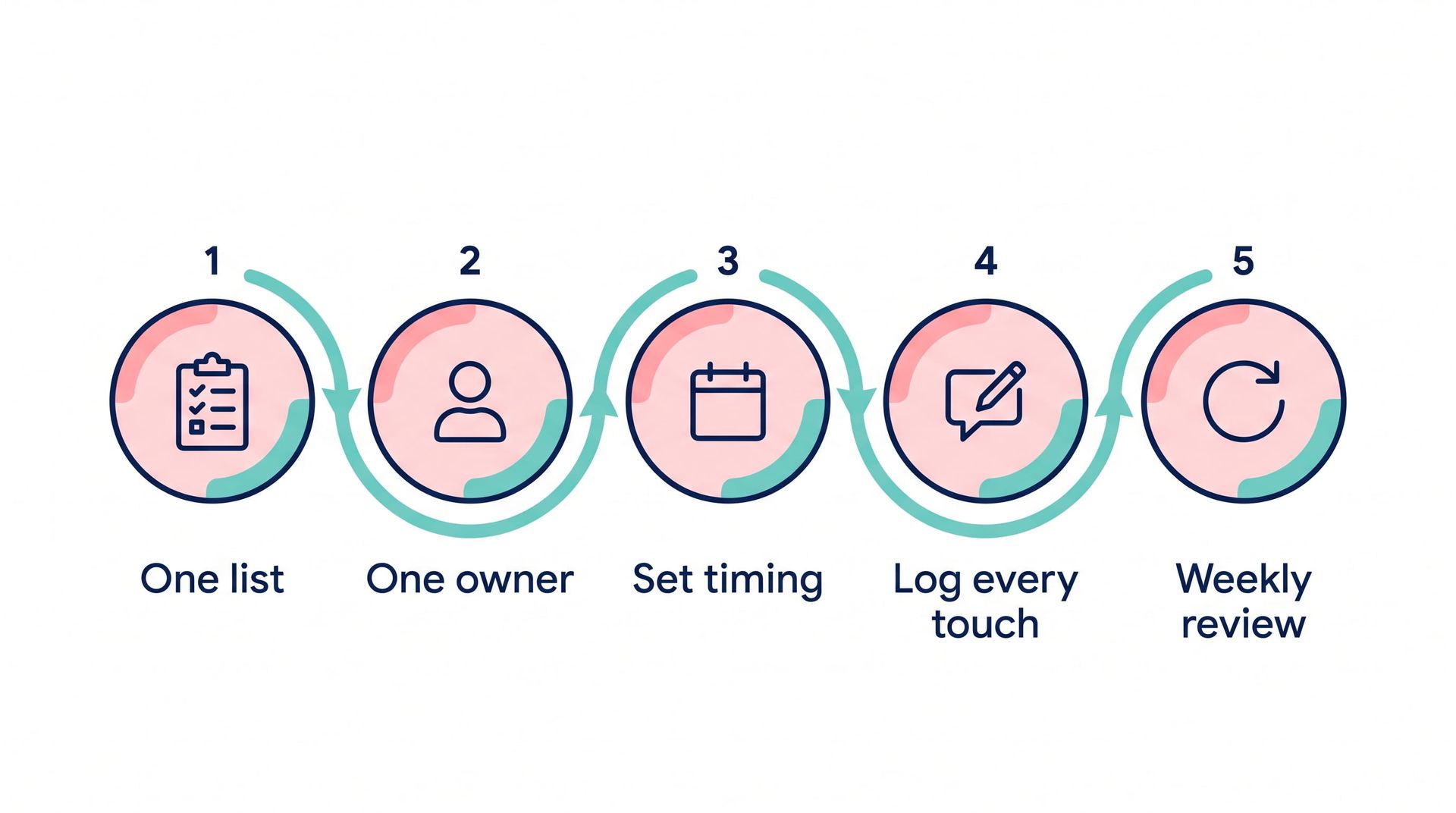
- Put every open quote in one list. Customer, job, amount, date sent, and who sent it. If a quote isn't on the list, it doesn't exist.
- Give each quote an owner. One name per quote. That person makes the calls, even if someone else did the estimate.
- Set your follow-up timing.
Decide when the first check-in happens and how many attempts come before a quote is marked lost. Pick timing that fits your work; a kitchen remodel and a commercial bid move at different speeds.
- Log every touch. A one-line note after each call or email: what was said and what happens next. That note is what lets someone else step in.
- Review the list weekly.
Fifteen minutes with whoever owns sales. Look at what's overdue, what's stalled, and what was won or lost.
Close the loop on won and lost quotes
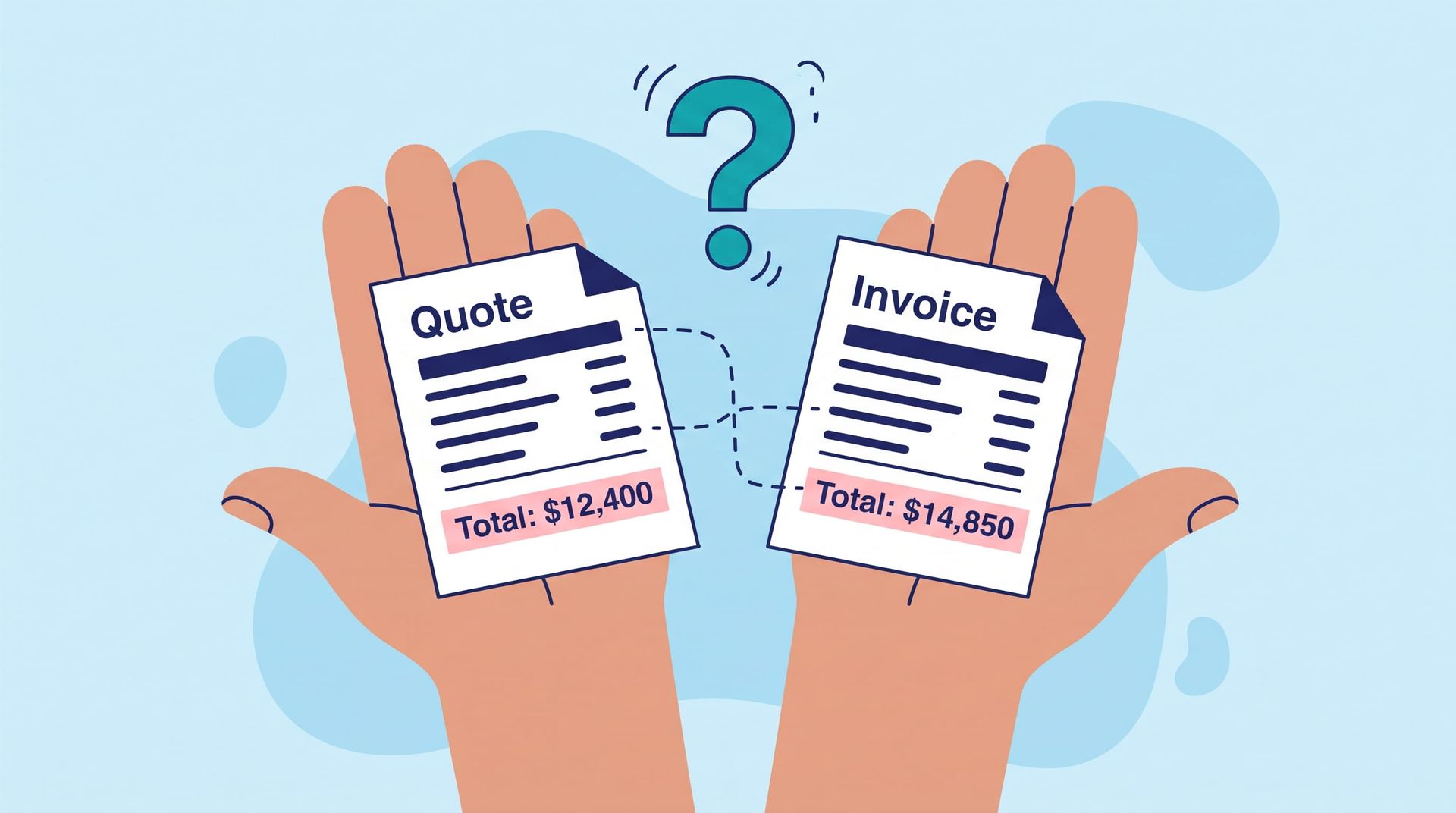
When a quote is won, its details should move straight into the job without being retyped. Otherwise, small changes pile up until the final bill no longer resembles what the customer approved, which is why so many contractors find
their quotes and invoices never match. When a quote is lost, a quick note on why (price, timing, went with someone else) builds a record that sharpens future estimates. Over time, that history can be worth as much as the follow-up itself.
Try it for a month before changing anything else
Run the process for four weeks, then look at what happened. Did anything slip? Was the list kept current? Where did people work around it? This is the same Plan-Do-Study-Act approach we use on every improvement project, and it shows you exactly what a CRM would need to do before you shop for one. Getting the team to use it consistently matters more than the format, so
involve the people doing the work in setting it up.
What Should a Contractor CRM Actually Do?
A contractor CRM should connect customers to quotes, jobs, and invoices, not just store contact information. If it only tracks leads, your team ends up managing it alongside everything else instead of working from it.
Why a generic sales CRM often falls short
Most popular CRMs were designed for sales teams moving leads through a pipeline. They do that well. But once a field business wins the job, the customer record usually stops there, and the details get
typed into the quote, the schedule, and the invoice separately. That's not a flaw in the CRM; it was built for a different kind of business. Before adding one, it's worth
checking what your current tools already cover so you're not paying for overlap.
What to look for instead
The most useful CRM for a contractor keeps one customer record that follows the work from the first quote to the final invoice. It shows every open quote and its status at a glance, so follow-up happens from the system rather than from memory. It connects to the tools you already rely on, especially your accounting software. And it's simple enough that your estimators and office staff will actually keep it updated.
Where Lift Office fits
This is the thinking behind
Lift Office's quoting, invoicing, and CRM tools. Quotes, invoices, and customer relationships live in one place, connected to the same job data your crews update from the field, and it connects with QuickBooks and other tools you already use. Whether that's the right fit depends on your process, which is why it's worth sorting the process out first. If you're comparing options, how to evaluate quoting and invoicing software walks through the questions to ask, and
our build vs. buy guide covers when a custom approach makes sense.
Start With Your Open Quotes
Most contractors don't need a CRM to stop losing jobs after the quote. They need every open quote in one place, an owner for each one, and a weekly habit of checking the list. A CRM becomes worth it once several people are quoting and customer history lives in too many places for a spreadsheet to keep up. When you get there, choose one that carries the customer from quote to job to invoice, not just one that stores contacts.
Your first step can happen this week. List every quote your team has sent in the last 60 days, along with its current status and who owns it. The gaps in that list will tell you whether you have a follow-up problem, a visibility problem, or both.
If you'd like help sorting through what you find,
schedule a call with Modern Mindset. We'll look at how quotes move through your business today and help you decide whether a better process or a connected system is the right next step.
Frequently Asked Questions
Do contractors need a CRM?
Not always. Contractors with one person handling most quotes can often close the follow-up gap with a shared list of open quotes and a weekly review. A CRM becomes worth it once several people are quoting and customer history is spread across too many places to track by hand.
What is the best way for contractors to follow up on quotes?
The best approach is to keep every open quote in one list, give each one an owner, and set a clear follow-up schedule. Log a short note after every call or email, and review the list weekly so nothing goes quiet.
Why do contractors lose jobs after sending a quote?
Contractors most often lose jobs after quoting because nobody clearly owns the follow-up. Open quotes are scattered across inboxes and spreadsheets, and during busy season, follow-up is usually the first task to slip.
What should a CRM for a construction or field service company include?
A CRM for a field business should connect customer records to quotes, jobs, and invoices, not just store contacts. It should show the status of every open quote, connect to accounting software, and be simple enough for estimators and office staff to keep updated.
Can a spreadsheet work as a CRM for a small contractor?
Yes, for a while. A well-kept spreadsheet can track open quotes and follow-ups when one or two people manage sales. It starts to break down when several people need to update it, when customer history lives in multiple files, or when it can't connect to quoting and invoicing.
Close the gap from the field to the front desk.
Real-time reports. Zero double-entry. One platform. It’s time for a system that’s as mobile as your crew.