


Why Your Quotes and Invoices Never Match (and What It Costs You)

November 18, 2026

Share this article

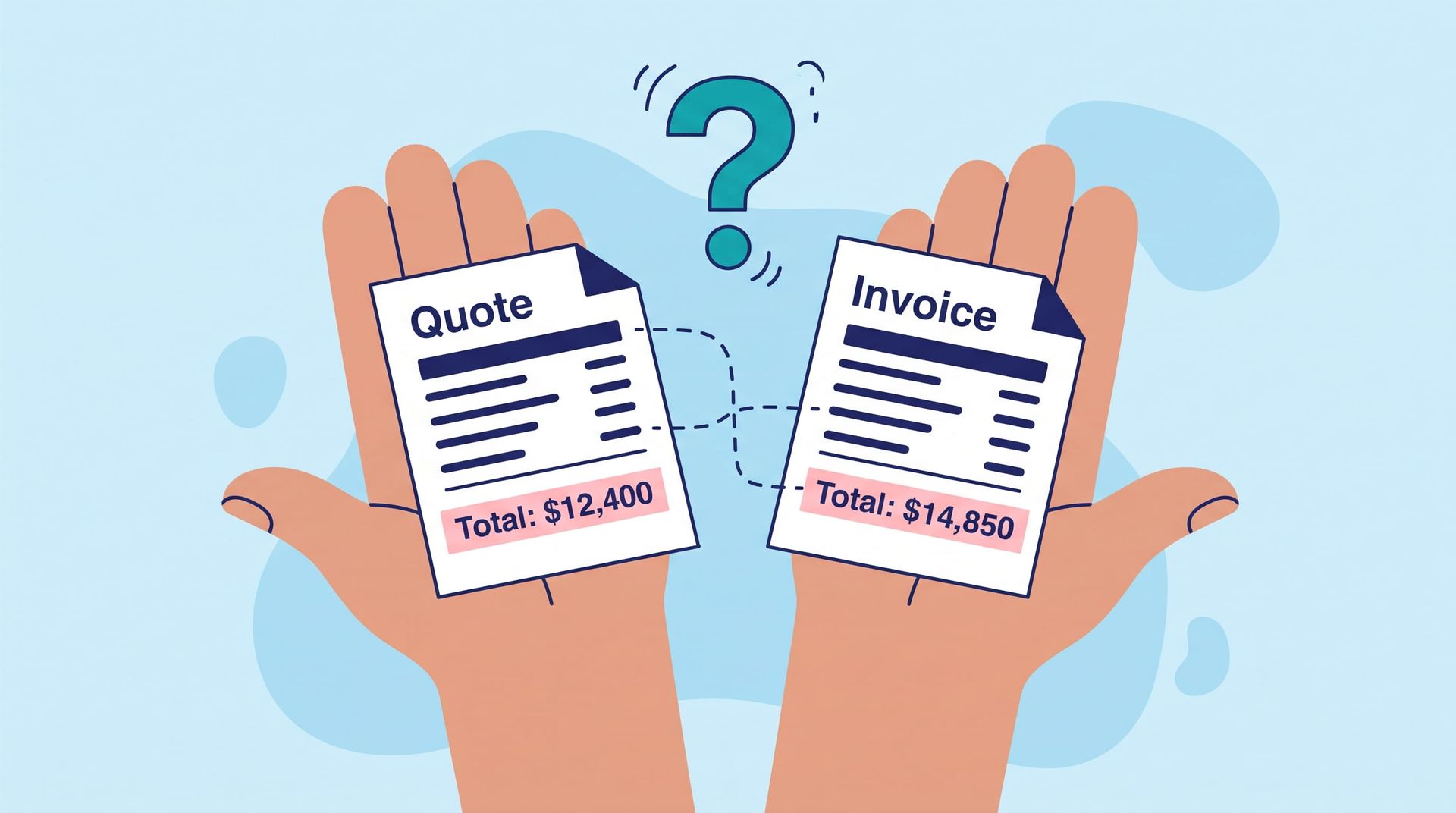
The customer approved a quote for one number. The invoice that went out three weeks later says another. Somewhere in between, the job changed, and the paperwork didn't keep up.


If you run a growing company with crews in the field, you've probably lived some version of this. The office learns about extra work while building the invoice. A customer calls to ask why the bill is higher than the quote. Someone loses an afternoon digging through texts and job notes to piece together what happened.


This isn't a math problem. It's a handoff problem. The quote, the job, and the invoice each live in a different place, and nothing carries the changes from one to the next.


In this guide, we'll look at why quotes and invoices drift apart, what that drift really costs a field business, and a five-step process for closing the gap. We'll also cover where software helps and where a simple process change is enough.

Why Don't Quotes and Invoices Match?

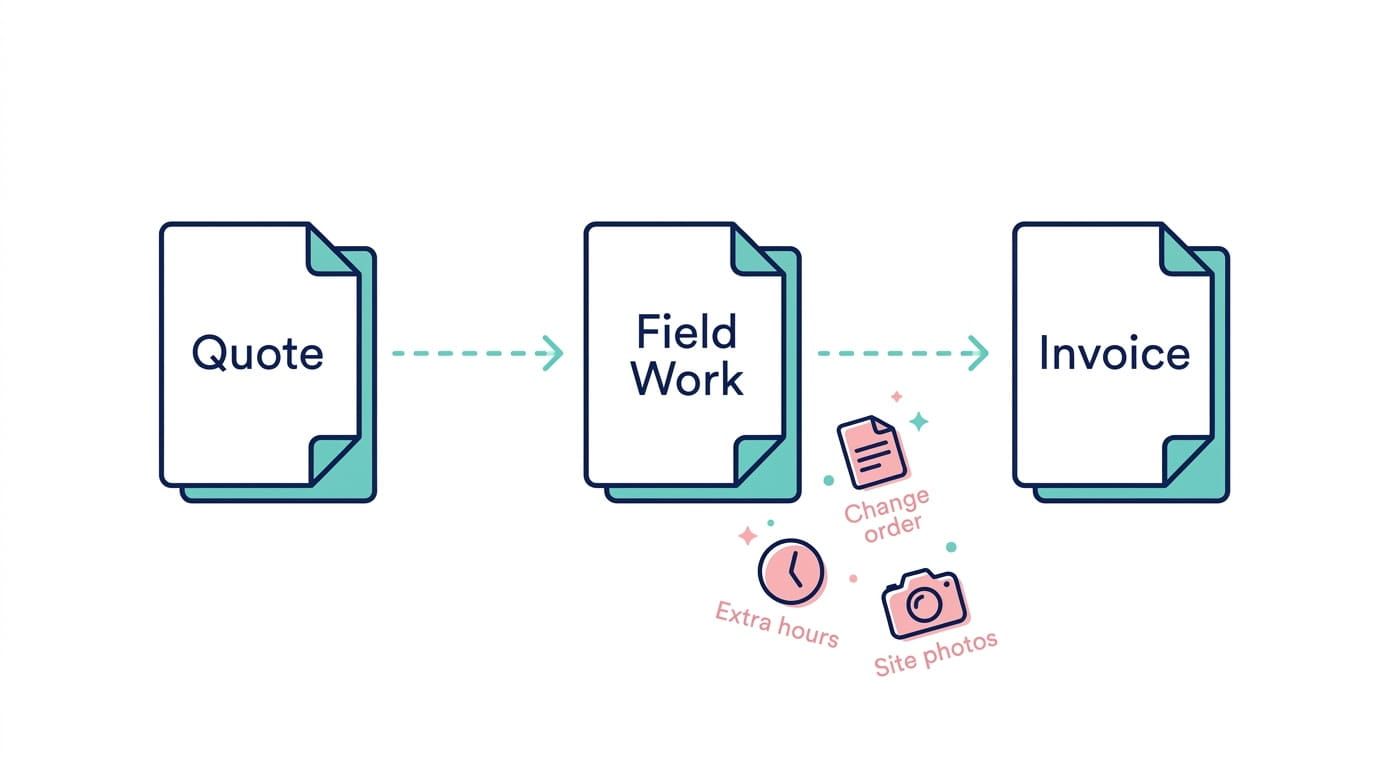
Quotes and invoices stop matching because the job changes after the quote is approved, and those changes aren't recorded where the invoice gets built. A quote is a snapshot of the job on one day. The job itself keeps moving.


In most field businesses, the gap traces back to a few recurring causes.

Change orders that only exist in conversation

A customer asks the crew to add something while they're on site, and the crew agrees. It's good service in the moment. But if nobody writes it down, the office finds out at billing, or never.

Scope that lives in one person's head

The estimator knows exactly what the quote included and what it left out. The person building the invoice often doesn't. Without a shared record of scope, every line item becomes a judgment call.

Time and labor that arrive late

When hours are tracked on paper or in a separate app, they reach the office days after the work is done. By then, details are fuzzy and some entries never arrive at all. Capturing time and labor in the field, as the work happens, closes most of this gap.

The same details typed into three places

Customer, scope, and pricing often get entered separately into the quote, the job file, and the invoice. Each re-entry is another chance for a number to change by mistake.


None of this comes from a lack of effort. It's what happens when information has to be carried by hand from one step to the next.

What Does a Quote-to-Invoice Mismatch Cost?

A mismatch costs you in unbilled work, slower payment, office time, and customer trust. The first two hit cash flow directly. The last two are harder to measure, but owners often feel them most.

Unbilled work

Extra work that never reaches the invoice is margin you earned and then gave away. When change orders live only in conversation, some of them will always slip through. Over a year of jobs, those small misses add up.

Slower payment

An invoice that doesn't match the quote invites questions. Questions mean phone calls, revised invoices, and payment that arrives weeks later than it should.

Office time spent reconstructing jobs

Every disputed invoice sends someone hunting through texts, photos, and job notes. That's skilled office time spent piecing together the past instead of moving current work forward.

Customer trust

A customer who gets a surprise on their bill remembers it. Even when the extra charge is completely fair, it can feel like a bait-and-switch if nobody mentioned it before the work was done.

How to size the problem in your business

Pull your last 20 invoices and compare each one to its approved quote. Note how many differ, by how much, and whether each difference was documented before billing. That gives you a real baseline instead of a guess, and it often points straight to the step where changes get lost.

How Do You Make Quotes and Invoices Match?

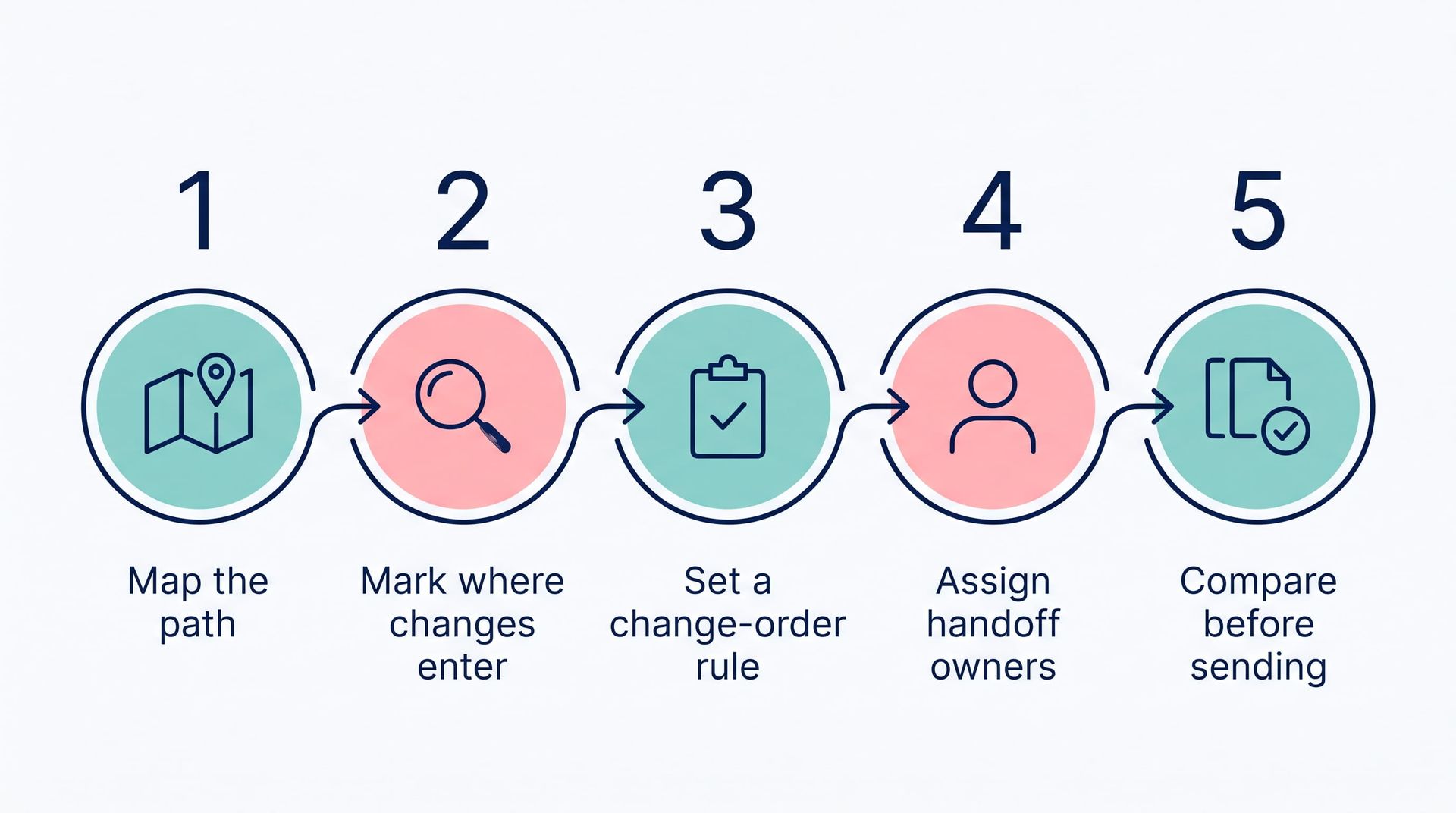
Five-step workflow icons: map path, mark changes, set chance and rule, assign benefits, compare before sending.

You make quotes and invoices match by fixing the handoffs between them, starting with process rather than software. Most of the gap closes once everyone agrees on how changes get captured and who owns each step.


Here's a five-step approach any field business can start this month:


  1. Map the path from quote to invoice. Write down every step a job takes, from approved quote to sent invoice, including who touches it and where the information lives.

  2. Mark where changes enter. Circle each point where scope, hours, or pricing can change. These are your leak points.

  3. Set one rule for change orders. No extra work starts without a written record, even if it's just a photo and a one-line note to the office.

  4. Give each handoff an owner. One person makes sure the job record is complete before it moves to billing.

  5. Compare before you send. Check every invoice against its quote and recorded changes. If they differ, the reason should already be on file.

Keep the change-order rule simple

The third step is where most efforts succeed or fail. A rule that needs a form, a signature, and a phone call won't survive a busy week. A rule that takes thirty seconds on a phone usually will. Talk with your crews before you set it, since they know what's realistic on site.

Test it before you roll it out

This follows the Plan-Do-Study-Act cycle we use on every improvement project. Try the new process on a handful of jobs, compare the results after a few weeks, and adjust before rolling it out company-wide.

When Does Quote-to-Invoice Software Make Sense?

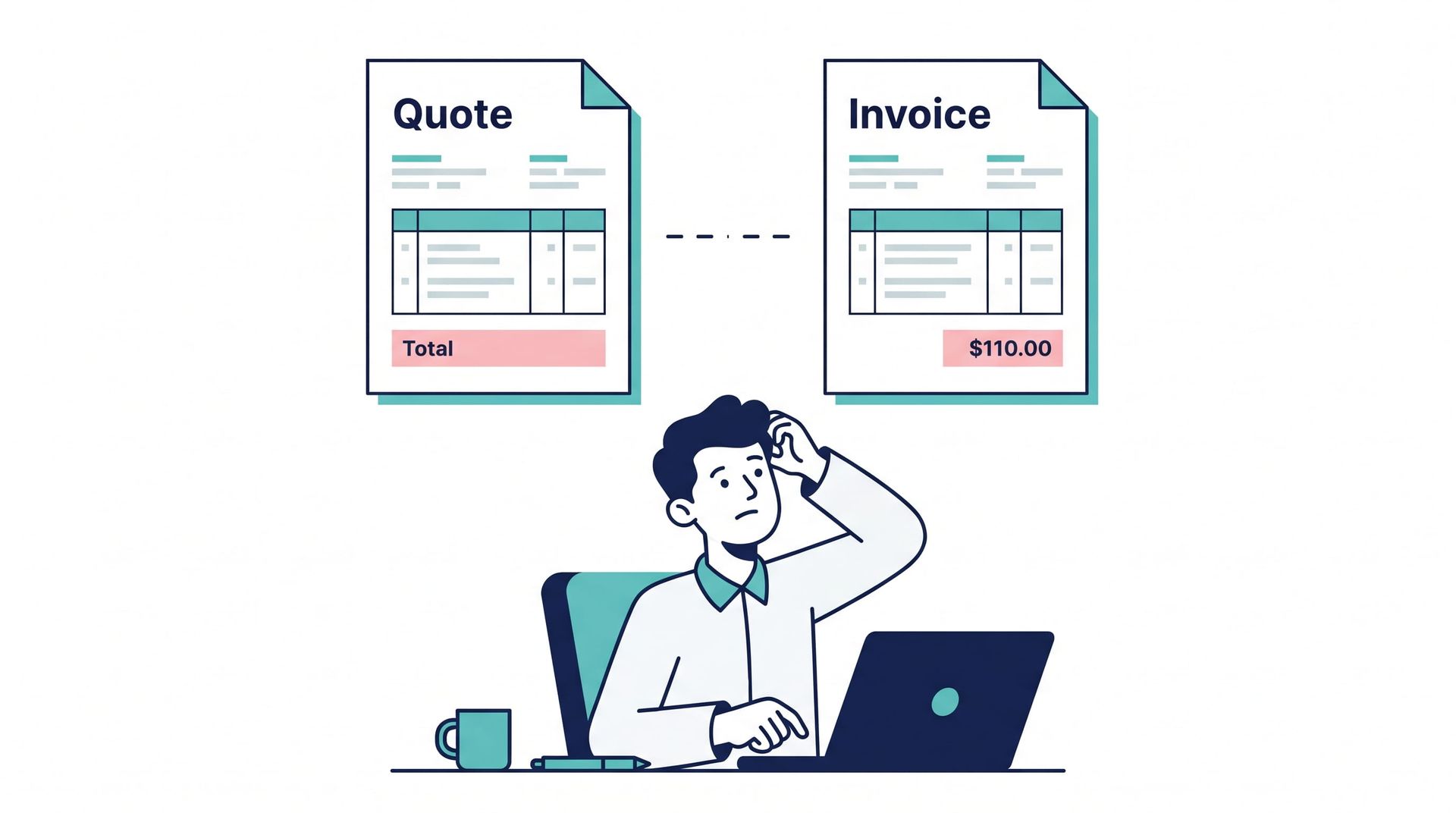
Person at laptop with quote and invoice icons above, suggesting billing or payment processing.

Software makes sense once the process is clear and the volume of jobs makes manual tracking unreliable. It can't fix a change-order rule nobody follows, but it can make the right habit the easy one.

What connected software changes

The biggest gain comes from keeping the quote, the job record, and the invoice on the same data. Customer, scope, and pricing get entered once and carried forward. When a crew logs hours, photos, or notes from the field, billing can see them without anyone retyping. And when that system connects to your accounting software, the books match the jobs.


This is the problem Lift Office was built around. Quotes, invoices, and customer relationships live in one place, tied to the same job data your crews update from their phones. Time and labor sync into the invoicing workflow, and Lift Office connects with QuickBooks and the other tools you already use.

When a simpler fix is enough

Not every company needs a new platform. If you have one or two leak points and a team that sticks to a simple rule, a shared checklist may do the job. The right answer depends on how many jobs you run, how often they change, and how many systems you're already juggling.

Close the Gap One Job at a Time

When quotes and invoices don't match, the cause is almost always a handoff, not a math error. Changes happen in the field, and nothing carries them to billing. The fix starts with mapping that path, setting one simple change-order rule, and checking invoices before they go out. Software helps once the process is clear, especially when the same details are being typed into several systems.


You don't need to overhaul your billing to start. Pick one recent job where the invoice didn't match the quote and trace where the change got lost. That single job will usually show you the leak point that matters most.


If you'd like a second set of eyes, schedule a call with Modern Mindset. We'll walk through how your jobs move from quote to invoice and whether a connected system makes sense for your team. No pitch, just a practical conversation.

Frequently Asked Questions

  • Why don't my invoices match my quotes?

    Invoices usually stop matching quotes because the job changed after the quote was approved and the change wasn't recorded where billing could see it. The most common causes are verbal change orders, late time entries, and details retyped into several systems.

  • How should a field business handle change orders?

    Set one simple rule: no extra work starts without a written record. A photo and a short note sent to the office is enough, as long as it happens before the work does.

  • How can I tell how much quote-to-invoice mismatches cost my business?

    Compare your last 20 invoices against their approved quotes. Count how many differ, by how much, and whether each change was documented before billing. That gives you a real baseline and usually reveals where changes get lost.

  • Do I need software to keep quotes and invoices consistent?

    Not always. Start by mapping your process and setting a change-order rule, since software can't fix a process nobody follows. Software makes sense when your job volume or the number of disconnected systems makes manual tracking unreliable.

  • Can quoting and invoicing software connect to QuickBooks?

    Many quoting and invoicing tools connect to QuickBooks, including Lift Office. When comparing options, ask whether job changes flow into the invoice automatically or still have to be retyped by someone in the office.

Quote it once. Bill it right. 

Connect your quotes, field updates, and invoices so nothing gets lost between them.

Recent Posts

Confused cartoon computer with a question mark above it, sitting on a desk with paper.
By Matthew Nardozza • November 11, 2026
Everyone says use AI, but few say where to start. A practical guide to finding real AI wins in your workflows, what to skip, and how to plan next steps.
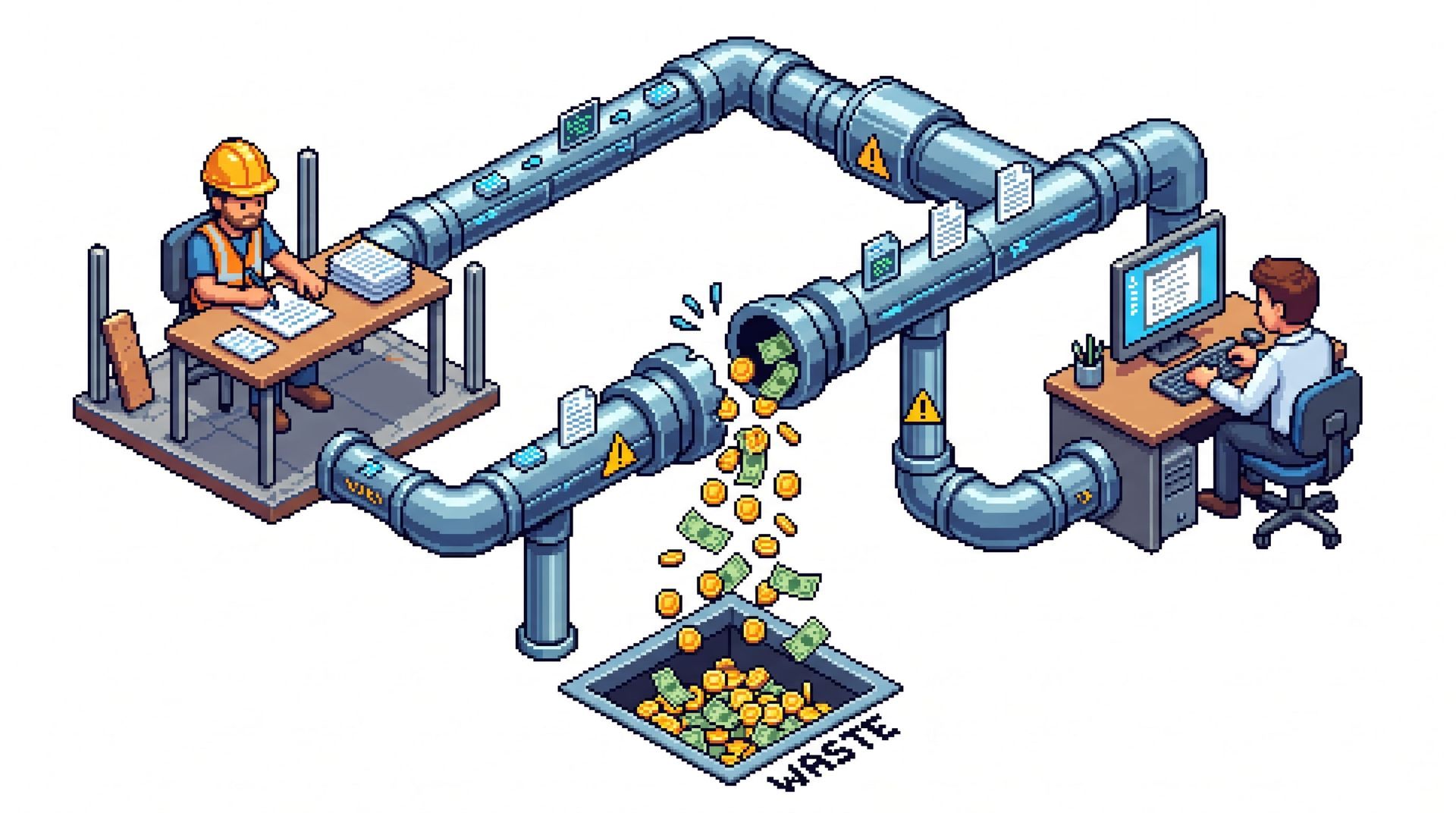
Two workers at computers monitor a pipe system sorting coins into a pile labeled “WASTE”
By Matthew Nardozza • November 2, 2026
Discover how duplicate data entry drains construction profits. Learn practical ways to connect field teams with the office and stop administrative waste.
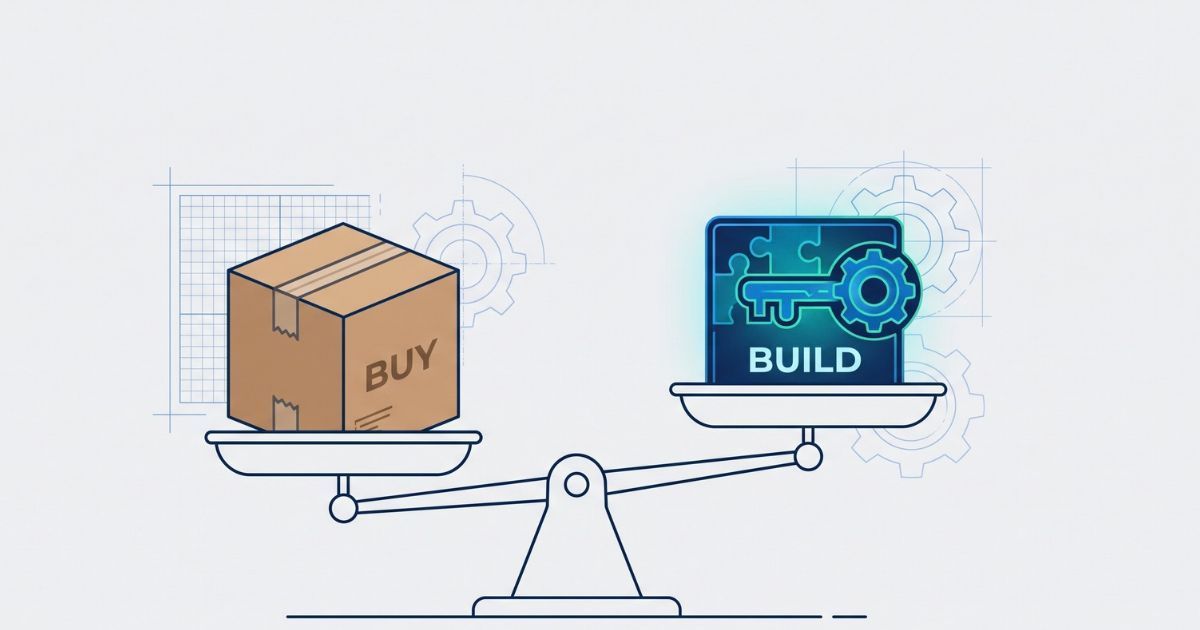
Scales balancing a cardboard box labeled “BUY” and a laptop labeled “BUILD” over blueprint-style background
By Matthew Nardozza • October 26, 2026
Deciding between custom software and off-the-shelf apps? Learn when to buy, when to build, and how custom systems reduce operational bottlenecks.
Stylized app icon with a gear and coding tools in blue, pink, and teal on a white background
By Matthew Nardozza • October 19, 2026
Using ChatGPT to write code feels like a shortcut, but DIY software has hidden maintenance risks. Learn why building the tool is just 20% of the work.

Three people in hard hats reviewing plans at a construction site
By Matthew Nardozza • October 9, 2026
Mid-sized construction and field service businesses trust our custom software to reduce manual work. Read our client reviews to see the proof.

Engineer rolling up a blue blueprint banner labeled “FIELD SOFTWARE”
By Matthew Nardozza • October 1, 2026
Stop technology resistance in the field. Learn how executives can successfully roll out software using change management, user-focused design, and the PDSA method.

Abstract blue 3D digital tower with floating rectangular blocks on a white background
By Matthew Nardozza • September 21, 2026
Stop buying software to fix broken workflows. Learn how to audit your tech stack, eliminate double data entry, and connect systems for better operations.

Doctor in white coat reviewing charts and writing notes at a desk.
By Matthew Nardozza • September 9, 2026
Paper facility inspections hide costs in manual data entry and delayed maintenance. Learn how to simplify compliance and digitize your workflows.

Gold trophy held overhead by a person standing on stacks of coins against a white background
By Matthew Nardozza • August 28, 2026
Winning more bids feels like growth, but taking on extra volume can shrink construction margins. Learn how to scale operations and preserve profit.

Person wearing headphones waves during a video call on a laptop in a bright room.
By Matthew Nardozza • August 20, 2026
Missed handoffs and outdated job info cost construction companies more than most realize. See where communication breaks down and how to fix it.