


Digitize Your Crane Business: From Paper Tickets to Instant Invoices

May 15, 2026

Share this article

Modern Mindset corporate banner with blue printer and shredded paper on a blue background

For decades, the crane and rigging industry has relied on manual documentation to track highly complex, high-value projects.


"Who is Lift Office built for?"


Lift Office is designed for companies that manage both office operations and field crews — especially in construction, crane & rigging, and industrial service environments.


"What is the primary problem it solves?"

"It is designed to help [business owners] manage projects and dispatch their resources... and then to collect data about that work and be able to bill as quickly as possible."


— Matthew Nardozza, Co-Founder & Head of Technology & Operations

Why Ditch the Paper Ticket Process?

Relying on stacks of two-part copy forms creates a massive administrative bottleneck. In an industry where a single project's revenue is measured in the tens or hundreds of thousands of dollars, missing even a few hours of billable time due to a lost or illegible paper ticket can result in massive revenue leakage. As Matthew Nardozza points out regarding legacy operations, "They literally are taking stacks of paper and filling out invoices based on that".

Hand holding a smartphone over scattered receipts and a pen on a wooden desk

How Digital Dispatching and Invoicing Work

Lift Office digitizes the entire lifecycle of a project. Instead of waiting for paper tickets to physically make their way back to the office, Lift Office is "transforming that into a digital process". This gives companies a modern tool to forecast operations so that "you can close out an invoice if a project's done within a couple minutes of the project being done versus days or weeks or months".

A Better Alternative to Legacy Systems

The crane and rigging software market has historically been dominated by legacy systems like Fleet Cost and Care's "Atom". While these legacy systems exist, Lift Office provides a highly usable, modern alternative focused on rapid adoption and eliminating the friction between the field and the office.

Frequently Asked Questions

  • Who is Lift Office designed for?

    Lift Office is specifically targeted at crane and rigging companies, as well as businesses that manage separate in-office and in-field workforces.

  • How does Lift Office speed up the billing process?

    It replaces physical paper tickets with a digital workflow, allowing office staff to generate and send invoices just minutes after a project is completed in the field.

  • Can Lift Office help prevent lost revenue?

    Yes. By digitizing time and equipment tracking, it ensures that all billable hours are accurately recorded, preventing the revenue leakage commonly associated with lost or incomplete paper tickets.

Close the gap from the field to the front desk.

Real-time reports. Zero double-entry. One platform. It’s time for a system that’s as mobile as your crew.

Recent Posts

Confused cartoon computer with a question mark above it, sitting on a desk with paper.
By Matthew Nardozza • November 11, 2026
Everyone says use AI, but few say where to start. A practical guide to finding real AI wins in your workflows, what to skip, and how to plan next steps.
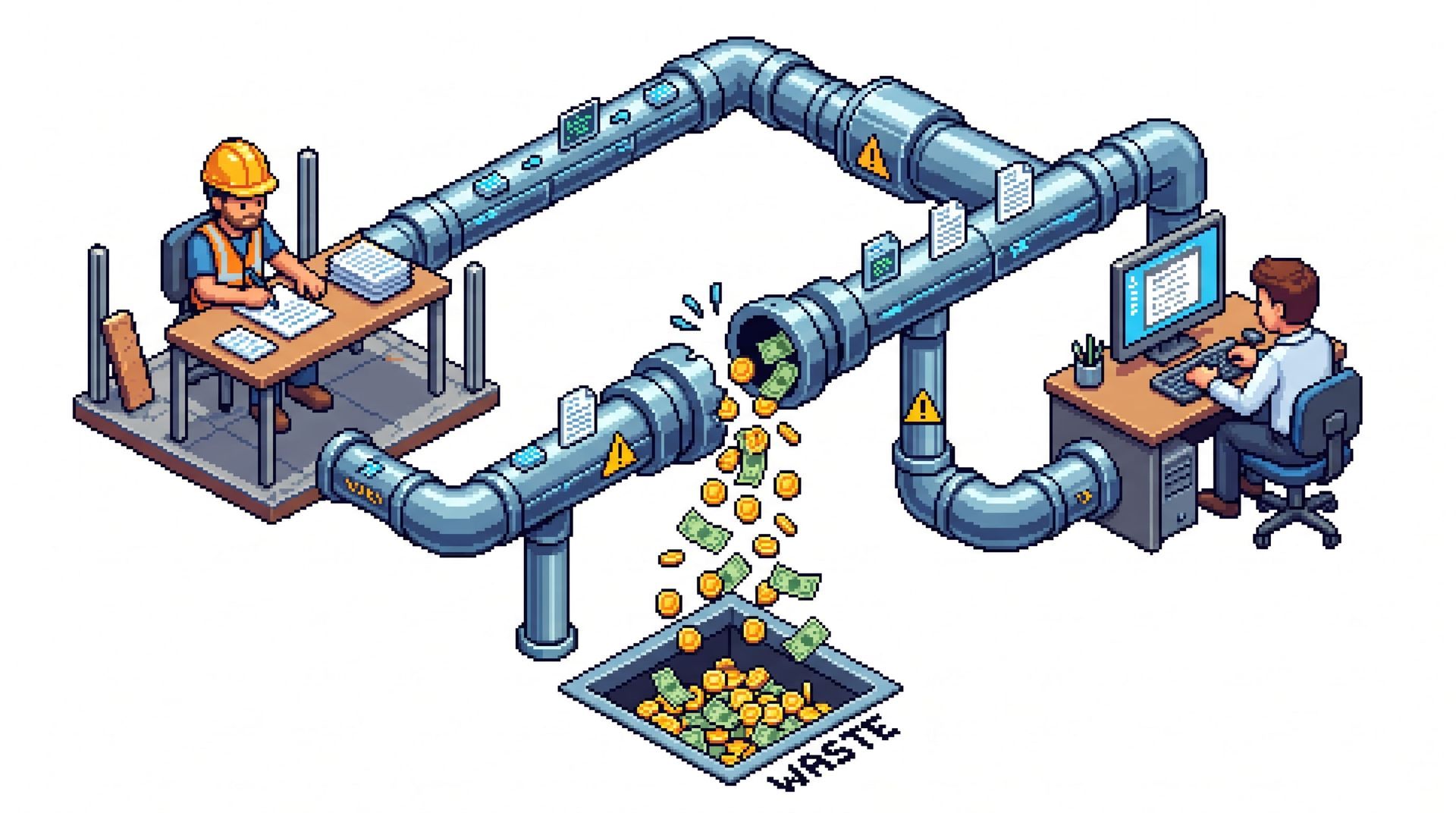
Two workers at computers monitor a pipe system sorting coins into a pile labeled “WASTE”
By Matthew Nardozza • November 2, 2026
Discover how duplicate data entry drains construction profits. Learn practical ways to connect field teams with the office and stop administrative waste.
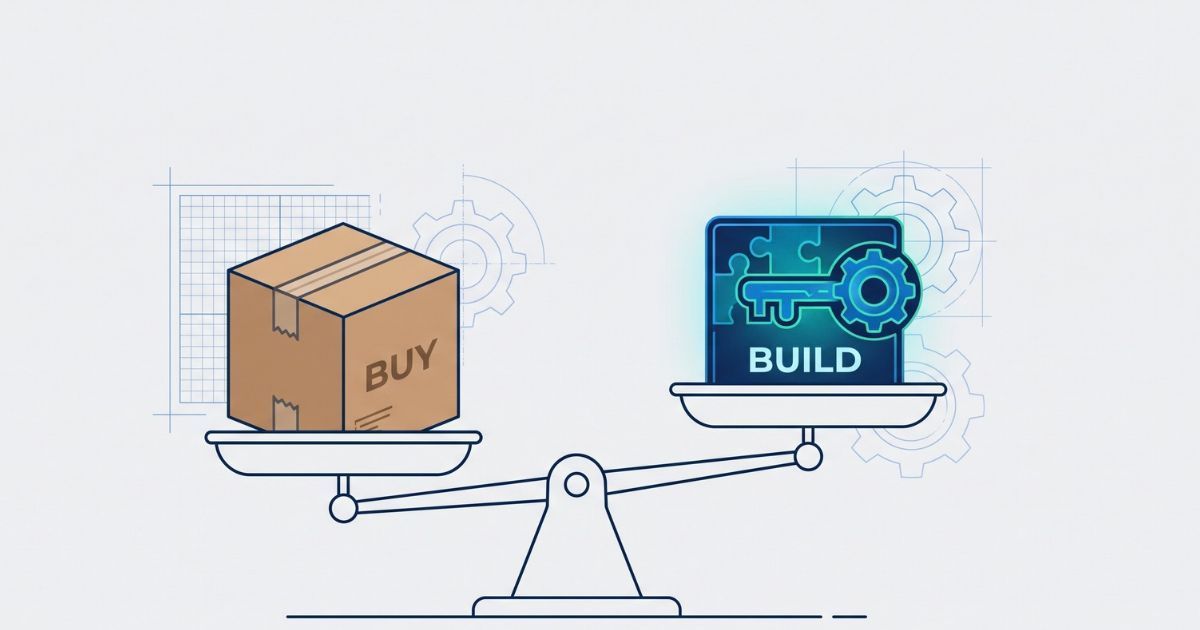
Scales balancing a cardboard box labeled “BUY” and a laptop labeled “BUILD” over blueprint-style background
By Matthew Nardozza • October 26, 2026
Deciding between custom software and off-the-shelf apps? Learn when to buy, when to build, and how custom systems reduce operational bottlenecks.

Stylized app icon with a gear and coding tools in blue, pink, and teal on a white background
By Matthew Nardozza • October 19, 2026
Using ChatGPT to write code feels like a shortcut, but DIY software has hidden maintenance risks. Learn why building the tool is just 20% of the work.

Three people in hard hats reviewing plans at a construction site
By Matthew Nardozza • October 9, 2026
Mid-sized construction and field service businesses trust our custom software to reduce manual work. Read our client reviews to see the proof.

Engineer rolling up a blue blueprint banner labeled “FIELD SOFTWARE”
By Matthew Nardozza • October 1, 2026
Stop technology resistance in the field. Learn how executives can successfully roll out software using change management, user-focused design, and the PDSA method.

Abstract blue 3D digital tower with floating rectangular blocks on a white background
By Matthew Nardozza • September 21, 2026
Stop buying software to fix broken workflows. Learn how to audit your tech stack, eliminate double data entry, and connect systems for better operations.

Doctor in white coat reviewing charts and writing notes at a desk.
By Matthew Nardozza • September 9, 2026
Paper facility inspections hide costs in manual data entry and delayed maintenance. Learn how to simplify compliance and digitize your workflows.

Gold trophy held overhead by a person standing on stacks of coins against a white background
By Matthew Nardozza • August 28, 2026
Winning more bids feels like growth, but taking on extra volume can shrink construction margins. Learn how to scale operations and preserve profit.

Person wearing headphones waves during a video call on a laptop in a bright room.
By Matthew Nardozza • August 20, 2026
Missed handoffs and outdated job info cost construction companies more than most realize. See where communication breaks down and how to fix it.